Accessibility in e-learning
How to become BFSG-compliant
Checklist | AI Assistant | WCAG 2.1 | Tools | Glossary
Checklist | AI Assistant | WCAG 2.1 | Tools | Glossary
The BFSG sets new standards for digital accessibility in Germany. It is based on the European Accessibility Act (EAA) and obliges numerous digital offerings to be accessible from the end of June 2025. This applies in particular to products and services aimed at consumers, i.e. B2C offerings - including many e-learning offerings. Important: The law does not explicitly refer to "e-learning", but to services such as e-commerce, e-books, software, websites or digital services. In practice, however, this applies to digital training content if it is publicly accessible or intended for end users.
The BFSG is the first legal framework that makes digital accessibility mandatory for private sector providers and thus establishes cross-industry standards for the first time.
The main aim of the law is to:
These requirements may therefore also affect your digital learning offer or your platform ("service") - especially if you are aimed at end users. Internal offerings purely for your own employees are generally exempt (see exceptions below).
The BFSG covers various digital services - the accessibility obligation therefore also applies to many digitally supported educational offers. The following deadlines apply to e-learning offers, which are therefore to be classified as digital services within the meaning of the law:
Digital formats that are frequently affected can be, for example
Important: The law does not provide an exhaustive list. The actual obligation depends on whether your digital offers are considered "services for consumers" within the meaning of the law and how they are structured.
Exceptions (simplified):
From June 28, 2025, violations of the accessibility requirements will result in serious fines:
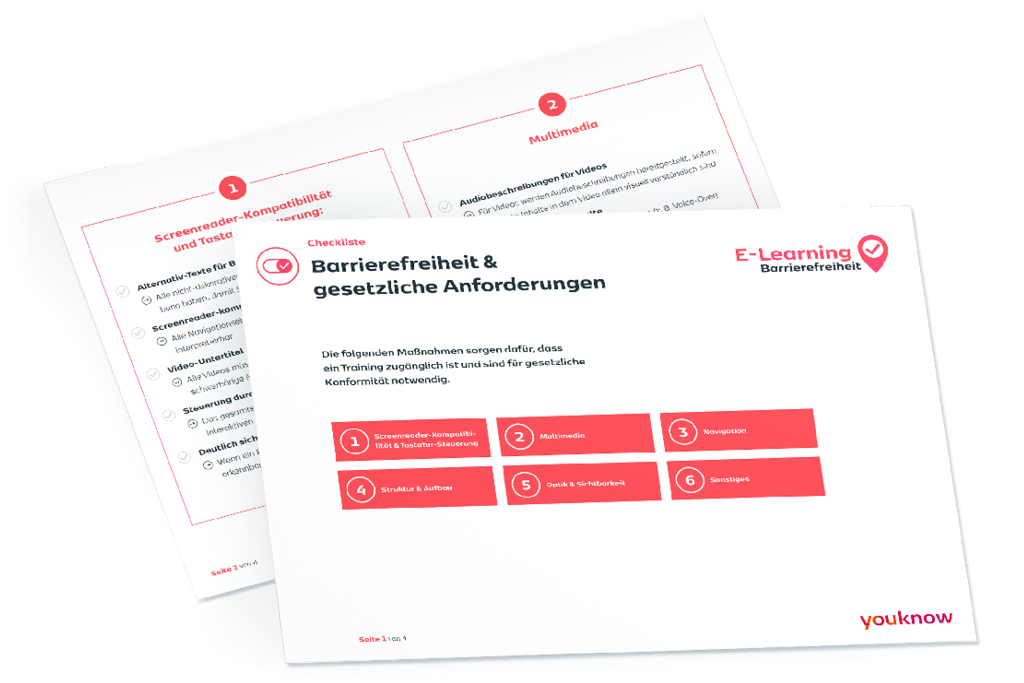
The practical implementation of the BFSG requires a systematic review of all learning materials. The following checklist provides structured guidance for different types of content and highlights the most important checkpoints. Use this overview as a starting point for your own accessibility audit and as a basis for future content development
The checklist is designed to help you quickly identify and address the areas relevant to your e-learning materials.
Download our BFSG e-learning checklist in GERMAN now for free:

Implementing accessible learning materials is more than just a technical update - it means a change for your entire digital education offering If your offerings are used externally or by third parties, you should move towards full accessibility at an early stage.
The scope of the obligations and measures depends on the respective service category, the user group and the legal definitions.
However, accessible learning opportunities should not just be seen as a legal obligation - they are a strategic opportunity to fundamentally improve your corporate training. While many companies see accessibility as just compliance, we see it as a lever for quality, innovation and true inclusion in your learning strategy.
Fully exploit the potential of your employees: Approximately every sixth person of your workforce may live with some form of disability or chronic illness. Accessible e-learning makes it possible to promote the talents and development potential of ALL your employees - regardless of individual requirements.
Increase learning effectiveness across the organization: Paradoxically, ALL employees benefit from accessible content. Clear structures, alternative explanations and multimodal communication have been proven to increase learning comprehension and knowledge retention - for every department and hierarchical level.
Employer branding and employee retention: In times of skills shortages, inclusive learning formats send a clear signal: We take everyone seriously and offer individual development opportunities. This makes you an attractive employer and boosts your employees' motivation.
Technical innovation in learning: The development of accessible content forces you to fundamentally review your learning formats and rethink them if necessary. The result is often creative, high-quality technical solutions that take your entire learning and development strategy to a new level.
Accessibility is not a compulsory exercise, but your key to modern, people-oriented employee development.
Simply ask our BFSG chatbot and navigate through the legal jungle with confidence.
We make your e-learnings BSFG-compliant
We transform your existing training courses into accessible learning content and advise you on how to make your e-learning courses inclusive.
The technical requirements in Germany are specified by so-called harmonized European standards. In practice, this is currently DIN EN 301 549, which in turn contains the requirements of at conformance level AA. This means that the WCAG is not directly the law, but it is the recognized and usual minimum standard for verification
The principle of perceptibility ensures that information is presented in such a way that it can be grasped by all learners - regardless of their sensory abilities.
Concrete requirements for e-learning content:
The best results are achieved if you develop a multimodal concept from the outset, i.e. design learning content in such a way that it appeals to different channels of perception or senses. Do not regard alternative representations as an afterthought, but as an integral part of your didactic design.
Usability means that all interactive elements can be activated and controlled by all users - even without a mouse and with different input devices.
Practical implementation in e-learning:
A practical example: In addition to the usual drag-and-drop control, an interactive simulation for operating a machine also offers step-by-step keyboard control with clear instructions and increased error tolerance. The individual control elements are generously dimensioned and have sufficient spacing.
Comprehensibility goes far beyond plain language and includes the logical organization of content, consistent operating concepts and helpful orientation.
Core aspects for learning content:
A concrete example: An e-learning course on programming offers code snippets not only as images, but also as structured text with syntax highlighting. Technical terms are explained the first time they are used and remain accessible at all times through hover or click interactions. Incorrect entries in programming exercises provide specific instructions for correction.
The principle of robustness ensures that content is compatible with current and future technologies, including assistive tools.
Technical requirements:
A concrete example: Imagine an online course in which complicated graphics or diagrams are explained. In an accessible version, these images are designed in such a way that they are not only clearly visible, but also have a descriptive text (alternative text) that blind people can hear with a read-aloud program. In addition, everything can be operated using the keyboard - and the content works smoothly on any device, whether computer, tablet or smartphone. You don't need to install any special additional programs for everything to work. This means that anyone can use the course without any restrictions.
Achieving WCAG compliance is a continuous process. Start with automated testing (e.g. with the WAVE tool or Axe), but be sure to combine this with manual testing and testing by actual users of different abilities. Only this multi-layered approach ensures true accessibility.
Whether during creation or testing: With the right tools, apps and browser extensions, you can easily and reliably check and optimize digital content for accessibility.
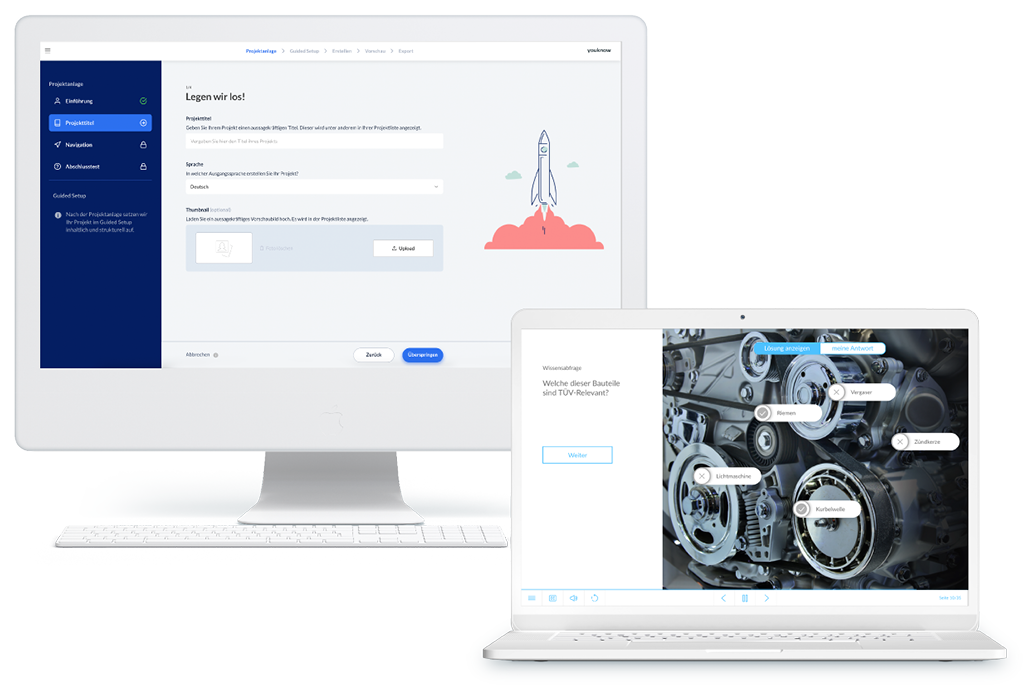
When choosing the right Authoring Tool for accessible learning materials, the native integration of accessibility functions is crucial. An example: The AI Authoring Tool knowtion from youknow promises AI-powered content creation at the touch of a button - not only in terms of the actual learning content, but also in terms of accessibility. All training courses that are created or exported with knowtion are automatically accessible - so authors don't have to give it any extra thought. This "accessibility by design" philosophy integrates all WCAG requirements directly into the creation process, saving you considerable time and resources.
Artificial intelligence is revolutionizing the creation of accessible content by automating time-consuming processes. There are numerous tools on the market, below are some free tools you can start with (no advertising):
Automatic Captioning:
Alt text generation:
Readability Analysis (readability):
The strategic use of AI tools can significantly reduce the time required for accessible content creation while at the same time increasing quality. Investments in such systems quickly pay for themselves, especially with extensive material inventories or regular content production.
Specialized tools exist for various media types to support barrier-free design:
PDF documents:
Interactive exercises:
Mathematical formulas:
The key lies in integrating these tools into the regular production process, so that accessibility is not perceived as an additional effort, but as an integral part of content creation.
The regular review of finished learning materials is essential to ensure BFSG conformity:
General web accessibility:
Screenreader tests:
Usability simulations:
An effective testing concept combines automated testing with manual evaluation and ideally with user testing by people with different abilities. No automated solution can completely replace human testers - especially when assessing actual usability and didactic added value.
The BFSG brings about a paradigm shift for all providers of digital services and content - including in e-learning. Check at an early stage whether and to what extent your digital learning services are affected so that you remain secure, low-risk and fit for the future!
These are descriptive texts for images and graphics on websites. They are read aloud by screen readers so that people who cannot see also know what is shown on an image.
ARIA stands for "Accessible Rich Internet Applications". ARIA attributes are special additional information in the code of websites or apps. They help people with disabilities, especially blind and visually impaired users, to better understand and operate digital content. For example, a screen reader can use them to recognize which element is a button, whether a navigation is open or closed or which area is particularly important. ARIA attributes are therefore an important tool for enabling accessibility on modern, interactive websites - they make invisible information "visible" for assistive technologies.
Accessibility means that digital offerings, content and services are designed in such a way that they can be used as easily and fully as possible by all people - including those with disabilities or restrictions. This includes visible, audible and comprehensible information as well as ease of use.
The BFSG is a German law that prescribes accessibility for many digital products and services from June 28, 2025. It affects companies and organizations that offer online stores, learning platforms, e-books or other digital services for consumers, for example.
Consumers are people who use digital services or products from companies for private purposes - not as part of their own business or profession. They are often also referred to as "end users".
Internal services are offers only for a company's or organization's own employees (e.g. an internal training portal). Public services are accessible to everyone, i.e. the general public or external customers.
WCAG stands for "Web Content Accessibility Guidelines". These are international rules and tips on how to design websites, apps and digital content so that they are as accessible as possible. The BFSG refers to these guidelines (via the EU standard) - they are considered the benchmark for accessibility.
The WCAG distinguishes between different levels of severity (A, AA, AAA). Level AA is the recommended standard for most websites and apps because it removes most barriers and is still easy to implement.
A screen reader is special software that reads out screen content as speech or in Braille to blind and visually impaired people on a computer or smartphone.
This means that a website or app can be controlled entirely with the keyboard, even without a computer mouse. This is particularly important for people with motor impairments or visual impairments.
These are very small companies with fewer than 10 employees and an annual turnover of less than 2 million euros. Special exceptions apply to them under the BFSG - especially for services.
Accessibility is a firmly defined technical and legal standard that takes particular account of the needs of people with disabilities. Usability generally refers to how easy and pleasant software or websites are to use for everyone. Accessibility is therefore a "plus point" for user-friendliness, but is specifically aimed at additional requirements.

Ken Weid
Key Account Manager
You have the goals, we have the solutions – together we will find the best one for you.
Status of the information: May 14, 2025
Note: This information provides initial guidance and does not constitute individual legal advice. In case of doubt, please contact the Federal Ministry of Labor and Social Affairs, an accredited inspection body or an expert in digital law.