Tips for choosing
the right Learning Management System
17-05-24 | 7 minutes reading time
the right Learning Management System
17-05-24 | 7 minutes reading time

Torsten Külpmann
Software development
Rarely has there been such unanimity in the training industry: The coronavirus pandemic has brought about lasting change. The everyday life of L&D that people have been longing for for over a year will be different in the future. E-learning will continue to professionalize. Face-to-face training will continue to fade into the background and will only be used where it can make the most of its specific advantages. Anyone who wants to establish a digital learning environment in their company will therefore need a suitable platform on which all the threads come together. Traditional Learning Management Systems (LMS) are still the most widespread.
Whoever embarks on a search for an LMS that will make all their e-learning wishes come true will quickly come to a sobering realization: There are a multitude of LMS providers and the choice on the market is gigantic.
In the following, we would like to give you a few suggestions as to which criteria you should use when selecting the right LMS for your specific business case. The aim: to help you narrow down the huge selection to a handful of relevant systems. You can't avoid an extensive test - so why waste time on systems that may be visually appealing but don't fit your requirements at all?
But how do you find the right criteria? What is important for the individual business model? What should you pay particular attention to? Our tip: First of all, get a comprehensive, holistic picture of your needs, especially taking into account the ongoing development of your organization and consequently the technological future-proofing of the system.
What does your organizational structure look like? Do you want to train your own employees and/or external target groups such as dealers and partners (extended enterprise)? Do you even want to sell your learning offers? All of this plays a central role in the selection of the right system, be it in terms of localization, sophisticated rights and role mapping, integrated payment functions or the connection to a store system.
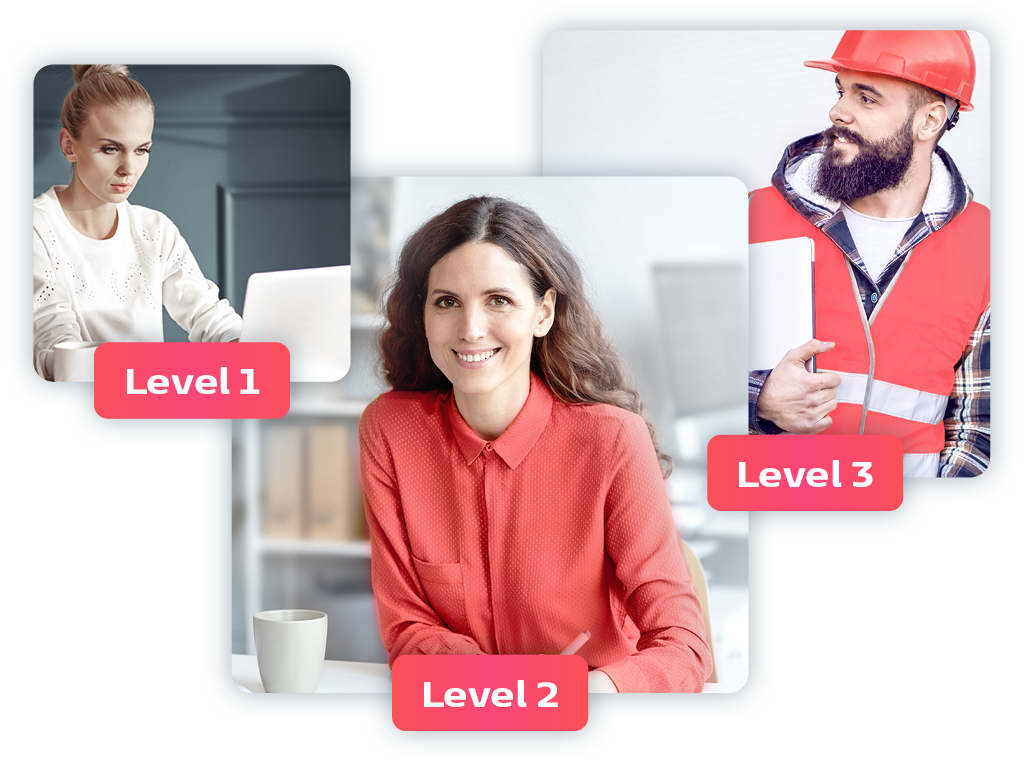
How do you adapt your learning offerings to the individual needs, abilities and learning styles of your learners? Depending on the scenario, your LMS may need advanced algorithms, artificial intelligence and data analytics to develop personalized learning paths.
How should the LMS be integrated into your system landscape? Do you want to create a stand-alone solution? Or would it perhaps make more sense to link the LMS with existing systems, e.g. HR software or a CRM? This can save you a lot of administrative work, e.g. if employee or customer data can be synchronized with the LMS. The prerequisite for this is the appropriate interfaces: Ideally, the necessary interfaces are already available in the LMS of choice. However, additional programming for a fee can also pay off in the long term if it reduces the amount of manual data maintenance.
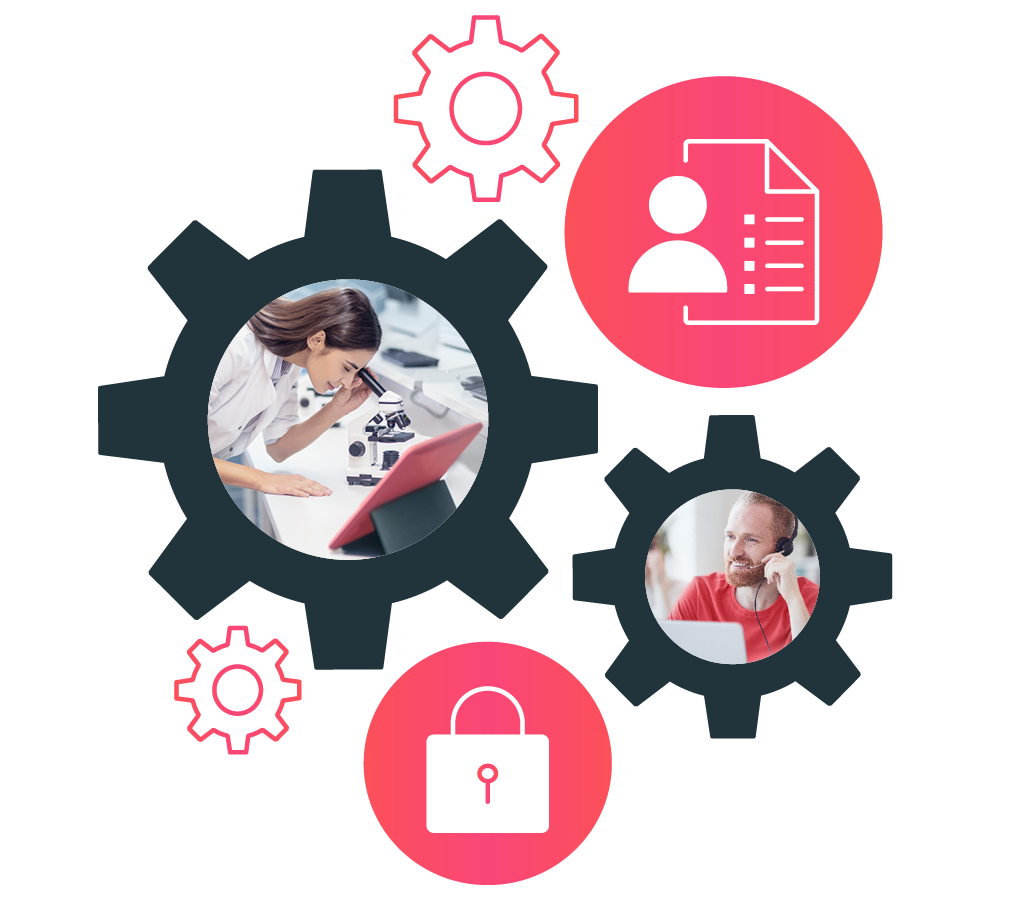
Two models have become established on the market for operating an LMS: Cloud or On-premise. With the cloud variant, the LMS provider operates (hosts) the system on its own server. The customer receives the desired number of accesses and employees can easily access the system via their browser. The advantages for the customer are obvious: they do not need to worry about purchasing and operating their own server or about installation and maintenance. These tasks are taken over by the service provider - although this usually incurs corresponding service costs. A cloud solution may therefore sound tempting - but you should never do the math without IT. In most cases, IT has precise specifications regarding the country in which the server on which you store internal company and employee-related data may be located. The GDPR sends its regards. The good news is that LMS providers often offer different server locations in order to meet customer requirements. As an alternative to the cloud solution, there is the on-premise variant for hosting. This is a classic purchase of the software. You buy the desired number of user licenses and install the software locally on the company's own server. Internal data protection concerns should therefore be a thing of the past. This variant naturally entails long-term, close cooperation with IT, which will be involved e.g. in the installation of updates.
Speaking of IT: IT should be mentioned here as a representative of all departments that have a say in the selection process for a Learning Management System. One of the most common problems in the selection process is that not all stakeholders are involved in advance. As a result, the requirements for the LMS change several times and the selection process takes an unnecessarily long time. Anyone wishing to purchase an LMS is therefore well advised to seek dialog with IT, management, the works council and specialist departments beforehand.
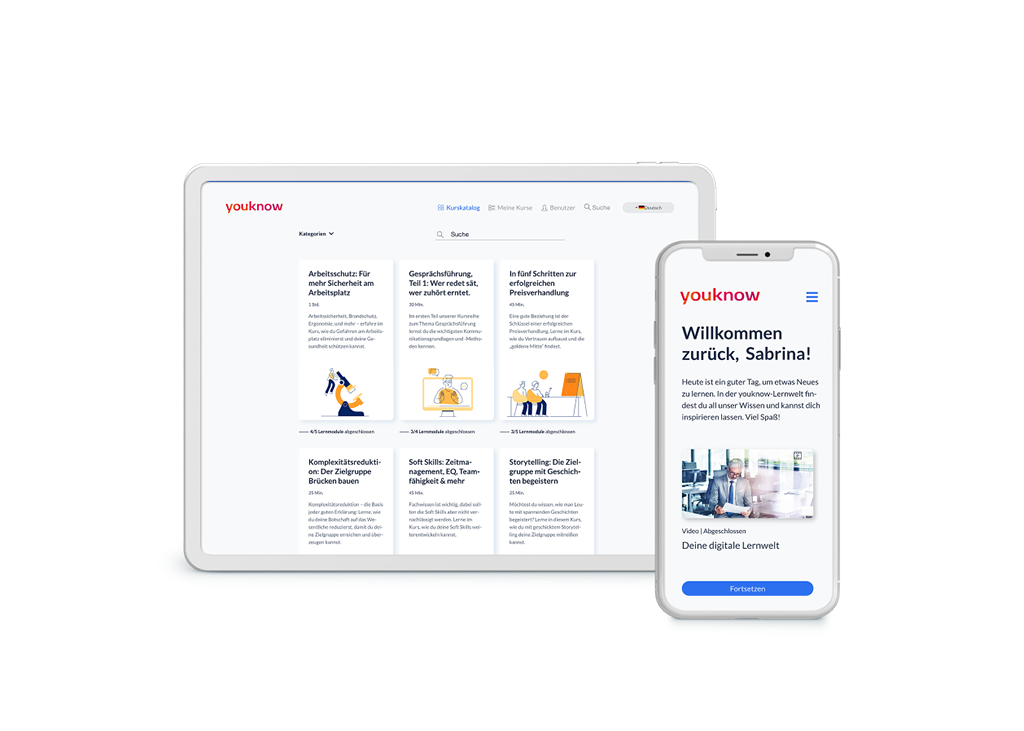
For e-learning to inspire your employees, it has to work flawlessly. This requires, among other things, an LMS that can be used on all end devices without any problems. So ask yourself the question: What is the weakest link in the chain? Experience shows: It may well be a year or more before corporate IT releases updates to newer operating systems or browsers. And large companies are also rarely equipped with state-of-the-art components on the hardware side. No matter how old the software or hardware is, the LMS must function flawlessly so that the desire to learn is not lost. The mobile capability of the LMS can also play a central role. If many learners work in the field or employees from production departments use their own end devices (the so-called bring-your-own-device (BYOD) approach), then you should pay particular attention to ensuring that the LMS can also be operated well on small screens.
As mentioned at the beginning, it can be assumed that face-to-face training will become less common overall, but will continue to play an important role in the mix of methods. For some topics or learning objectives, the social and communicative aspect that only face-to-face teaching can offer is still essential. To ensure that this fits seamlessly into the educational organization, a corresponding digital seminar management system can be used in addition to webinar management. Depending on the functionality of this component in the LMS, seminars and webinars can be planned, trainers can book rooms and accompanying material can be offered In the case of extensive learning projects (learning journeys), face-to-face modules are often an essential part of the didactic concept (Blended Learning). It is particularly advantageous if "everything can be handled from a single source" via the LMS. Depending on the role that face-to-face teaching plays in your format mix, you should therefore take a particularly close look at seminar management.
A number of products have established themselves on the market for creating learning content, e.g. Storyline or Captivate from Adobe. And, of course, the AI authoring tool from youknow should not be missing from this list. All three tools are fully-fledged authoring systems that can be used to create multimedia training courses. In everyday L&D work, however, there are always times when you want to create learning content yourself quickly and pragmatically. A bit of text, a few images, maybe one or two simple interactions - sometimes that's all you need. To avoid shooting sparrows with cannons, some Learning Management Systems also offer integrated Authoring Tool functions. Based on templates, simple learning content can be created directly in the LMS. There is no need to import the training courses and the content is published in no time at all. This feature can also be of great importance to you, depending on how you want to create your training courses in the future.

We have already discussed the social aspect of learning above, which is particularly important in face-to-face training. Direct personal interaction with other learners or the lecturer can be extremely motivating. However, the social aspect does not have to be completely absent from digital training either. This is made possible by social learning and community functions that are offered in common LMSs. This can be, e.g., a chat that allows learners to exchange live with other employees about a content; a forum in which a topic can be discussed, or even evaluation/recommendation systems that allow learners to quickly discover additional exciting content. Other learners also learned ... You know it from almost every online store.
Finally, we would like to discuss the options for customizing the LMS to your needs or specifications. People are known to be creatures of habit. So it can't hurt if the LMS can be adapted to your company CI as far as possible. Fonts, colors, images, menu structures - the more familiar the interface is to learners, the easier it is for them to find their way around and the higher the acceptance rate. And especially if you want to serve external target groups, their demands on the graphical interface of the Learning Management System will certainly be very high. You should therefore take a particularly close look at the customizing options.

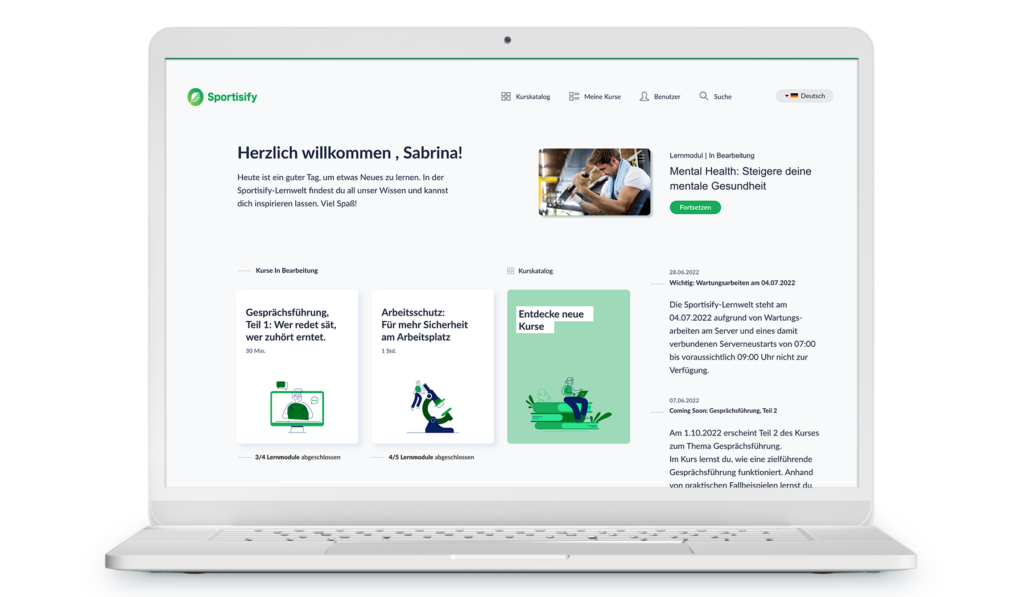
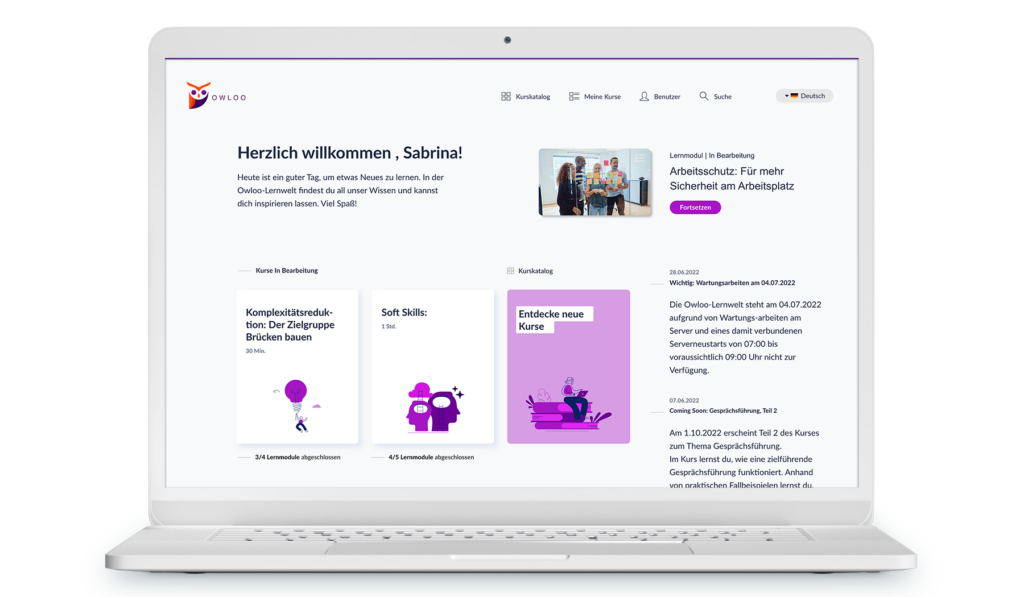
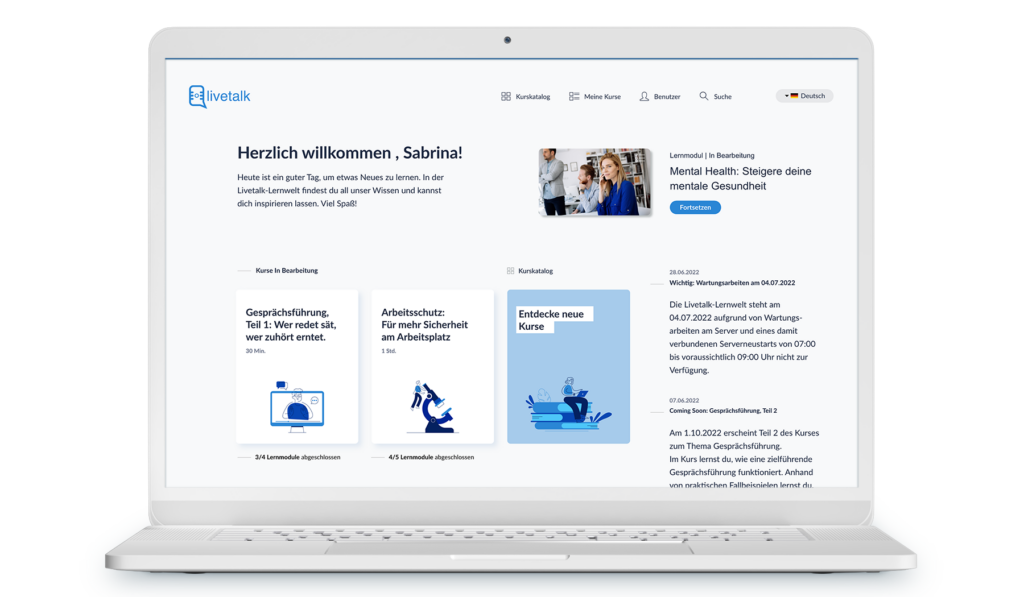
Of course, the list of features that are relevant to your business case could go on and on. However, in our experience, the features mentioned are the most common criteria that are worth thinking about when searching. The good thing is that the LMS providers don't hold back when it comes to listing the available functions - so you can quickly tick one or two boxes on your personal checklist before you have contacted the LMS provider. However, only a detailed test of the system will show exactly how well a promised feature is developed and whether it meets your requirements.
Then don't hesitate to get in touch with us. We will be happy to provide you with a free demo account so that you can familiarize yourself with all the functions at your leisure. The video on the right will give you a first impression.
We have summarized all the criteria here in bullet points. We wish you every success with your search.
You might also like these three articles

Torsten Külpmann

Ken Weid
Key Account Manager
Would you like to experience our LMS in action? Arrange your personal demo now and let our professionals guide you through the solution.